News
With a little help from my "friend" Part 2
Ismael —
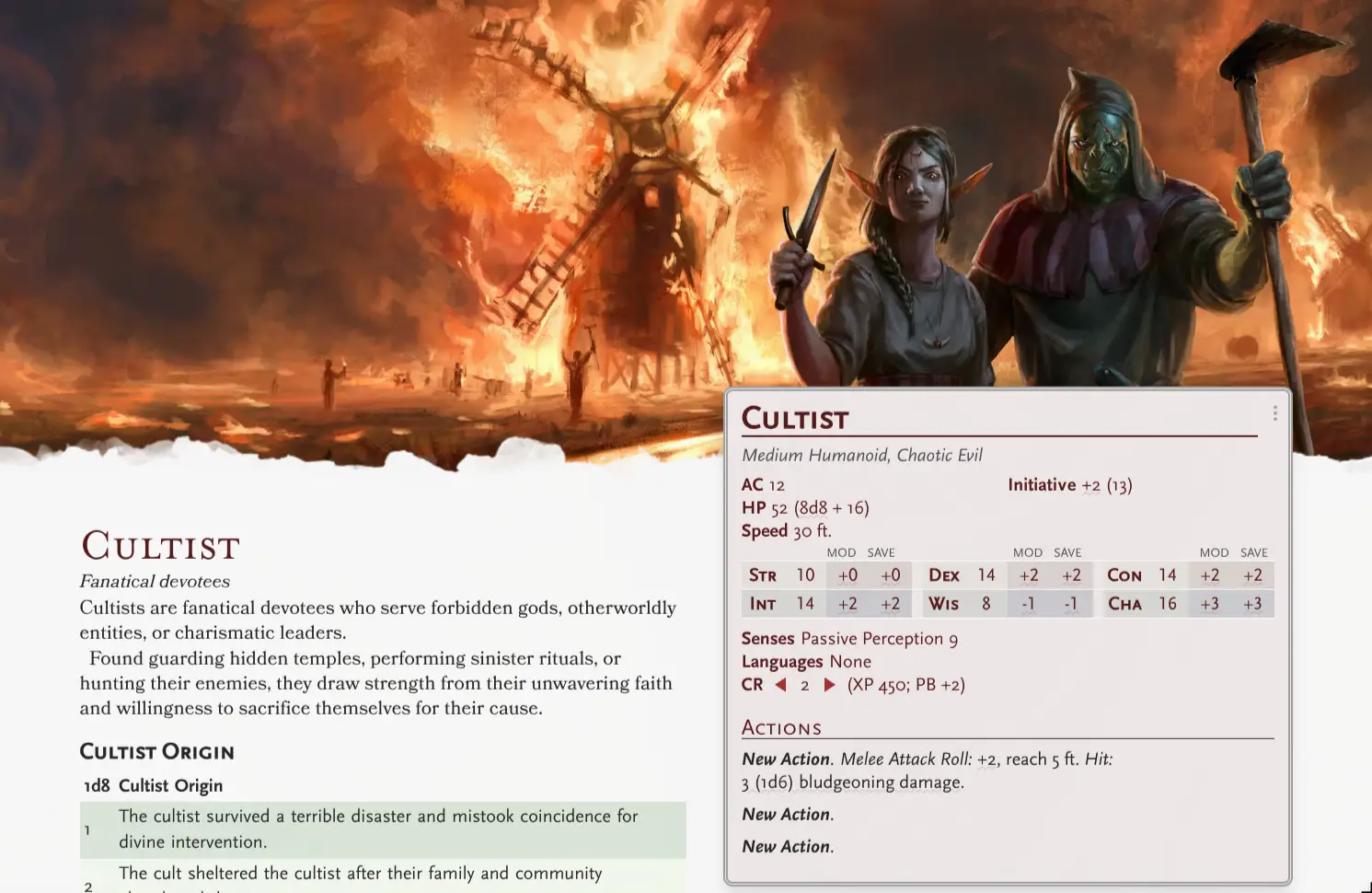
It's been more than a month since I embarked on this journey to build the last features of V2 with heavy AI-assisted development. The experience has been mostly positive, although not without its problems... but first, here's what we've built so far:
Backstory Editor: Third time's the charm
We've reached a stable point with the Backstory Editor, which now covers most of the features we wanted to include. Headings, body text, and tables now look like they belong in an official D&D book thanks to the open-source fonts from Solbera, which I decided to include in Monstershuffler.
To reach this point, though, the editor had to go through three separate rewrites.
I wanted a backstory editor that felt like writing in a D&D book, while still giving you the flexibility of Markdown and letting the same content flow correctly across different page layouts. Imagine a Homebrewery where you can write directly in the "preview/rendered" view instead of in the code/Matrix one. Getting all those things to coexist turned out to be surprisingly difficult, and I had to compromise a bit in the end.
Many elements, like utility menus and special components, still need some polishing or better ways of being represented visually, but overall the editor is usable and ready for testing.
Media Gallery
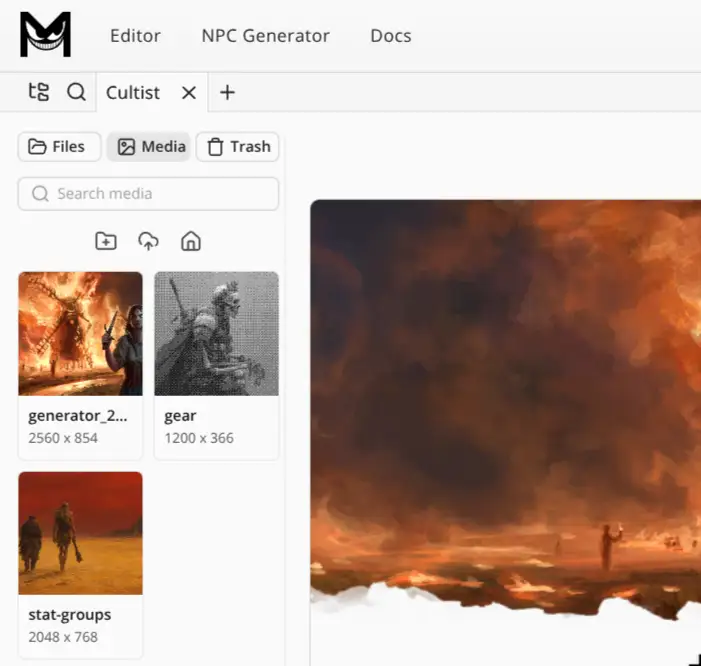
We've added a Media Gallery to the Editor, which lets you upload and manage images, and will support audio files as well in the future.
Suggest an image
A Media Gallery is especially useful for a "Suggest an image" feature I wanted to add in V2. Here's how it works:
- User 1 publishes a monster. They're not good at drawing, so they publish it with a placeholder image. If the image is AI-generated, it is automatically dithered and converted to black and white to distinguish it from real artwork.
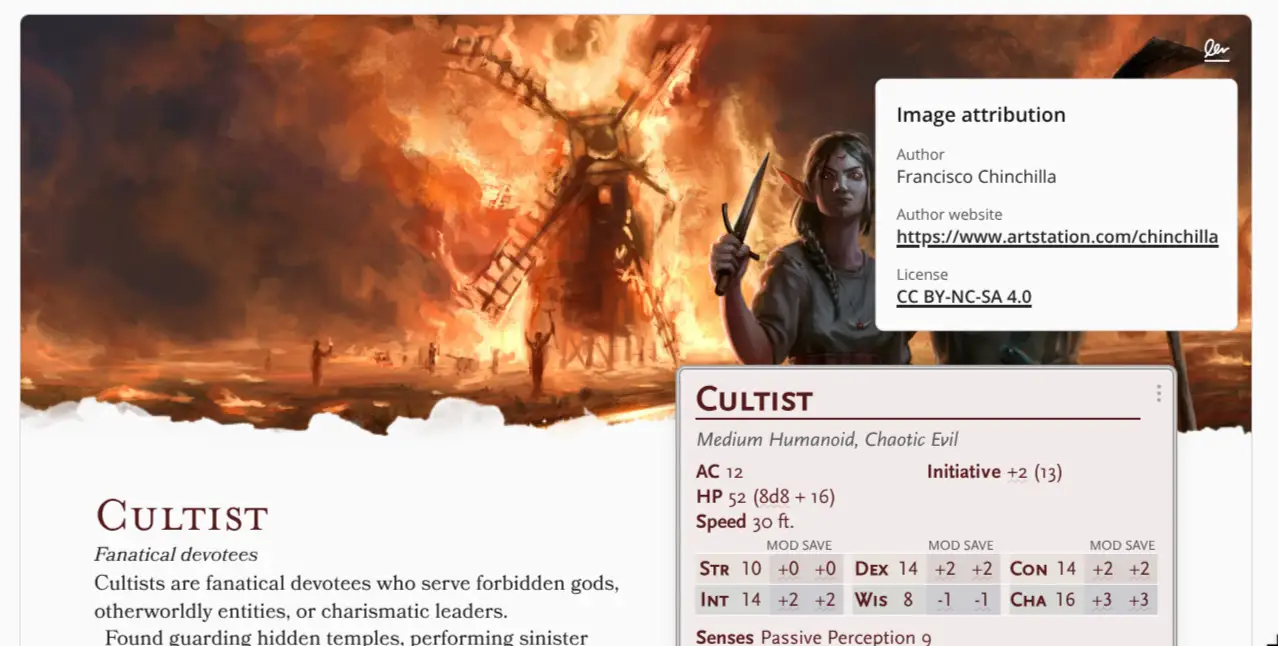
- User 2 sees the published monster and wants to suggest a better image. They can send a suggestion to User 1 by uploading an image they think fits the monster better. They must provide attribution for the image and, when applicable, the license under which it was released. This is one of the main reasons we need a Media Gallery, since we need somewhere to store all this information.
- The image goes through automatic and manual moderation to prevent inappropriate content. If it passes, User 1 can review it and choose whether to replace the original image, reject the new one, or keep both.
A single monster can now have multiple images associated with it, and for each one you can check the license, author name, and website when that information is available.
AI-assisted development
Until now, I had mostly used AI to generate code snippets, like functions or small components, and this is the first time I've delegated this much of a project to it.
What I've learned from this experience so far is that AI can be a great help, but it can't replace a "creative" human during that final back-and-forth process where you look at what you've built, stare at it for a while, and then decide what to keep, remove, or change.
This is the phase where I usually feel like I'm wasting time, while in reality I'm doing some of the most important work for the overall quality of the final product.
During that phase, AI behaves a bit like a "mercenary" who is paid to do a job, but has no real passion for or deep understanding of the project. It can't really go the extra mile, experience the product the way a user would, and figure out on its own what would actually make it better.
That part is still up to me, or to you as a user, when you give me your ideas and feedback.
-Ismael